🔐 Login to AOMP Platform
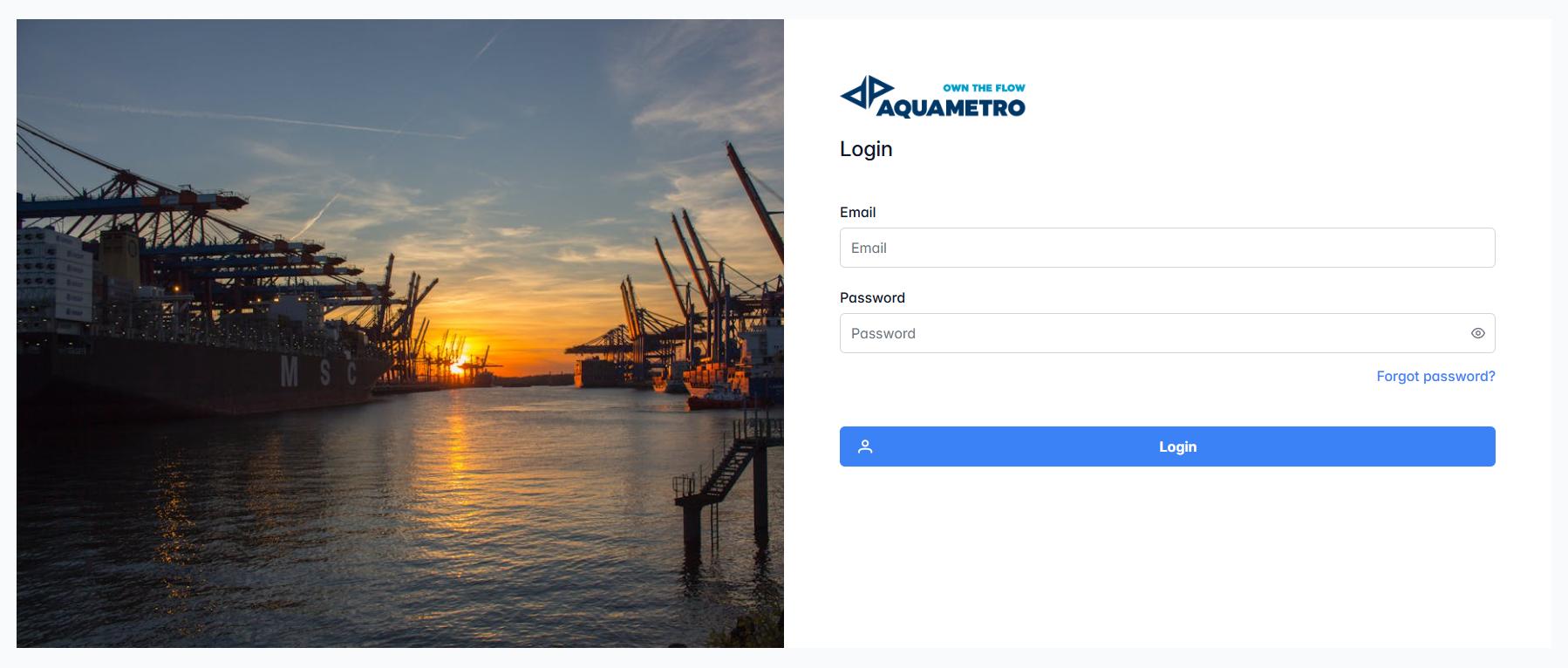
To begin using AOMP, enter your registered email and password on this screen. If you have forgotten your password, use the "Forgot password?" link to reset it. Once your credentials are entered, click the Login button to access your account and start managing your maritime operations. Please refer to below for more details.
🌅 Layout Overview
- Login Form:
- Email: Enter your registered email address.
- Password: Enter your password. You can toggle password visibility by clicking the eye icon.
- Forgot password? Click this link if you need to reset your password.
- Login Button: Click to securely access your account.
🚦 Login Steps
- Enter your email address.
- Enter your password.
- (Optional) Click the eye icon to view or hide your password.
- Click the Login button.
- If you forgot your password, click Forgot password? to start the reset process.
💡 Tip: Make sure your credentials are correct. If you have trouble logging in, use the password reset or contact your administrator.
❌ Login Error Message
If your login information is incorrect, or if the server cannot be reached, you will see an error message like the following:

Error message:
Wrong credentials or Server cannot be connected!
If you see this message:
- Double-check your email and password for accuracy.
- Make sure your internet connection is stable.
- If the problem persists, contact your system administrator or support team.
The login screen ensures a secure and welcoming start to your AOMP experience!